Now available on the Microsoft Store
System monitoring,
beautifully done.
Elegant always-on-top widgets that show your PC's vitals — without cluttering your desktop.
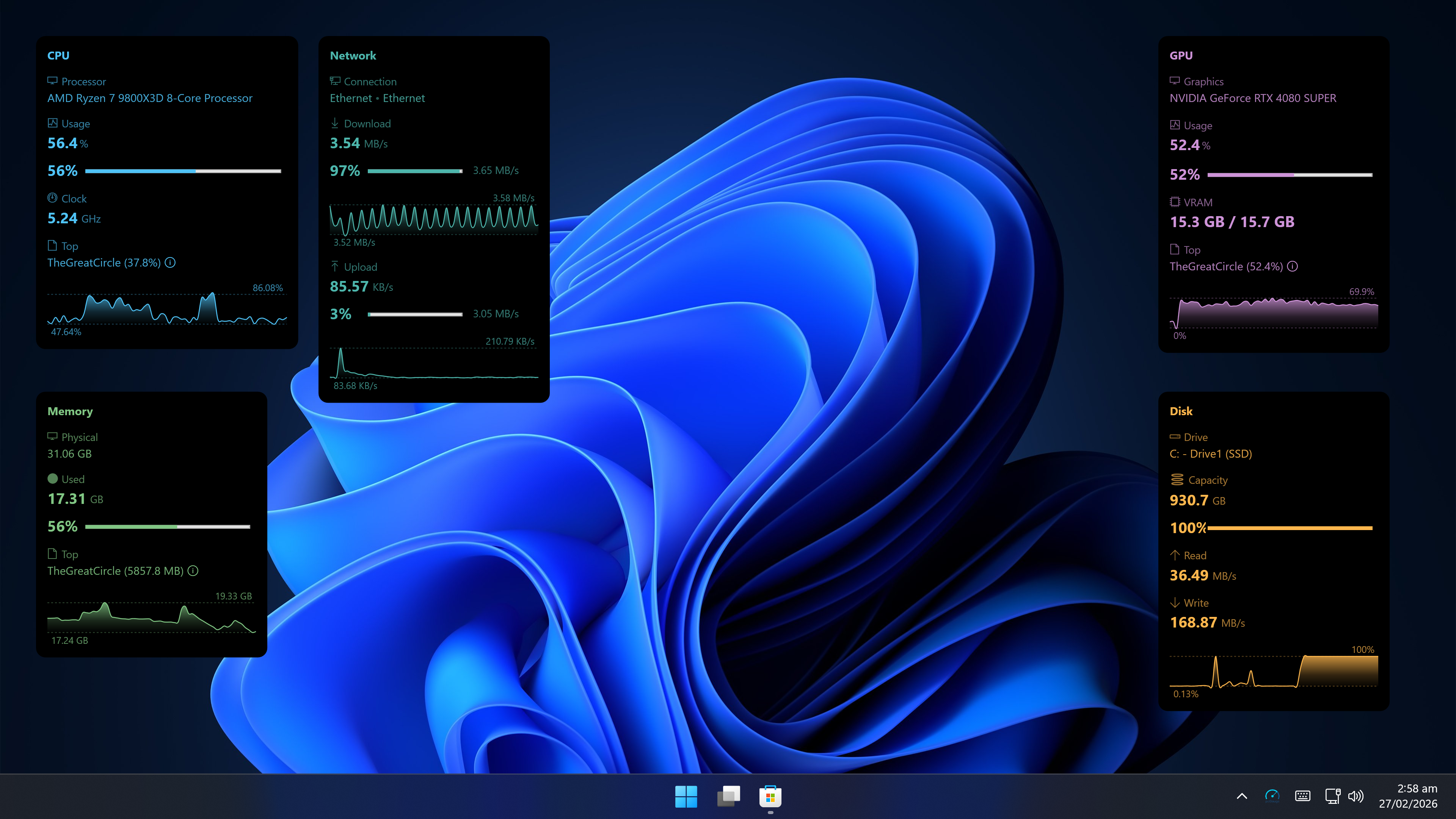
Elegant always-on-top widgets that show your PC's vitals — without cluttering your desktop.
Always-on-top, always visible, never in the way.
Install, launch, done. No config files, no drivers, no learning curve.
Add only the metrics you care about, arranged exactly how you want.
Sparkline history and usage bars give instant context at a glance.
Widgets stay on screen without interfering with your mouse or keyboard.
CPU, GPU, memory, network and disk — all on your desktop at once.
Full desktop — all widgets running side by side
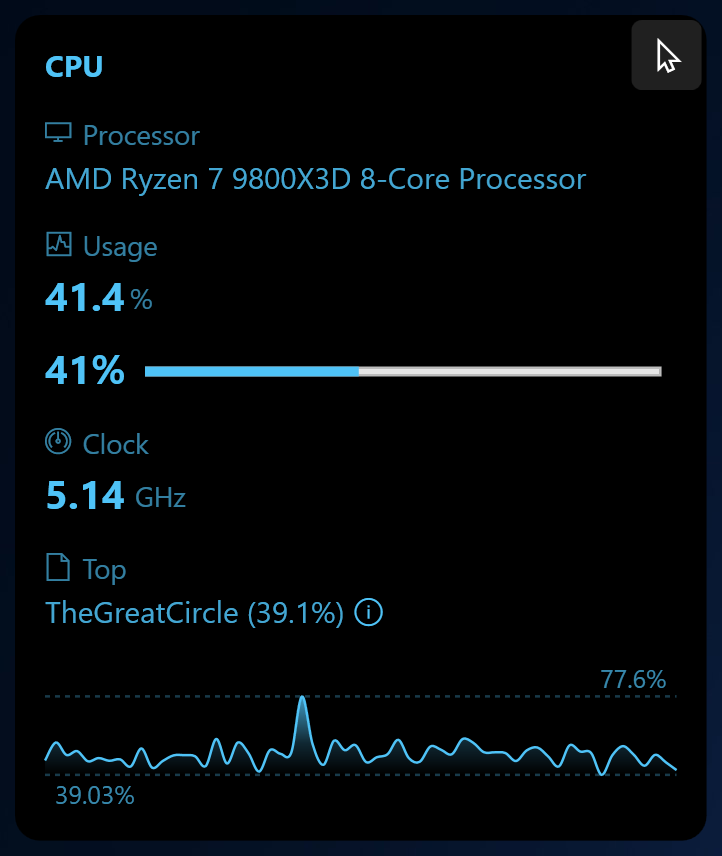
CPU — usage, clock speed & top process
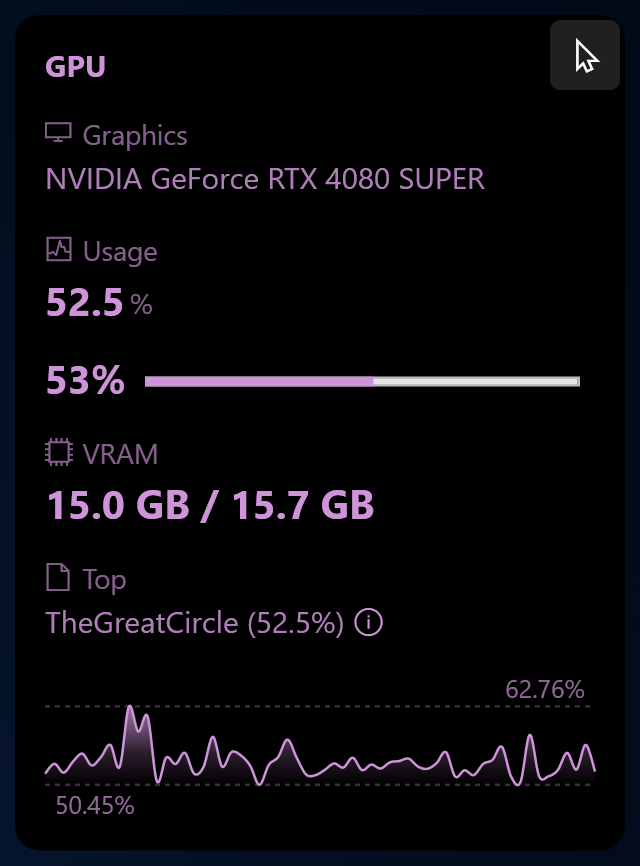
GPU — load, VRAM & top process
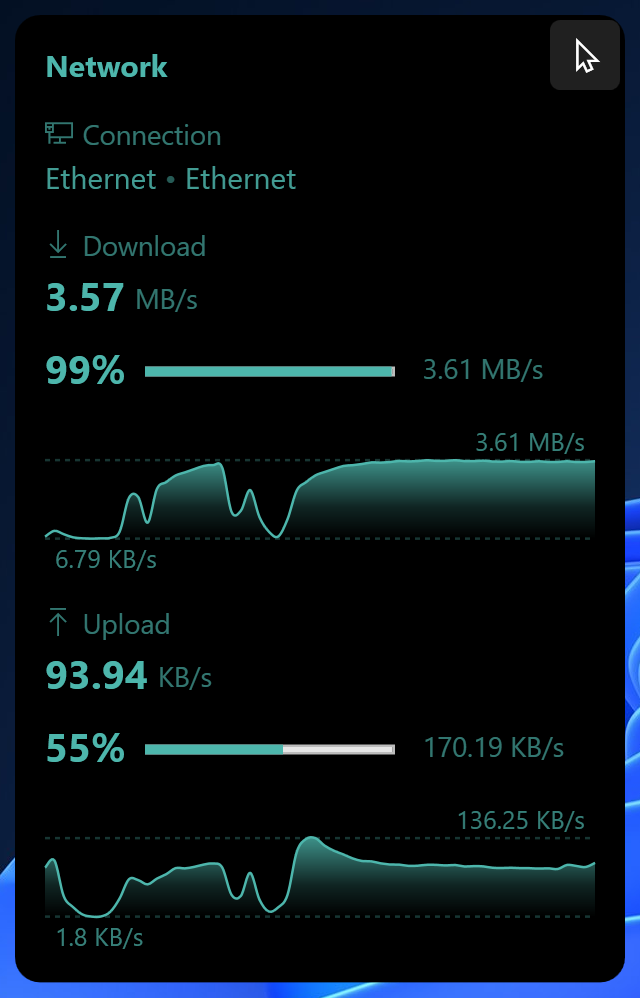
Network — upload & download speed
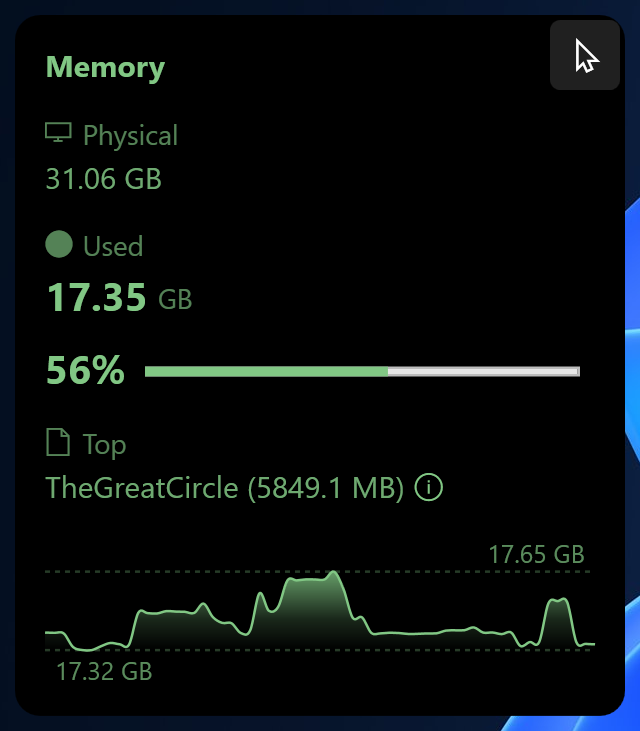
Memory — usage & availability
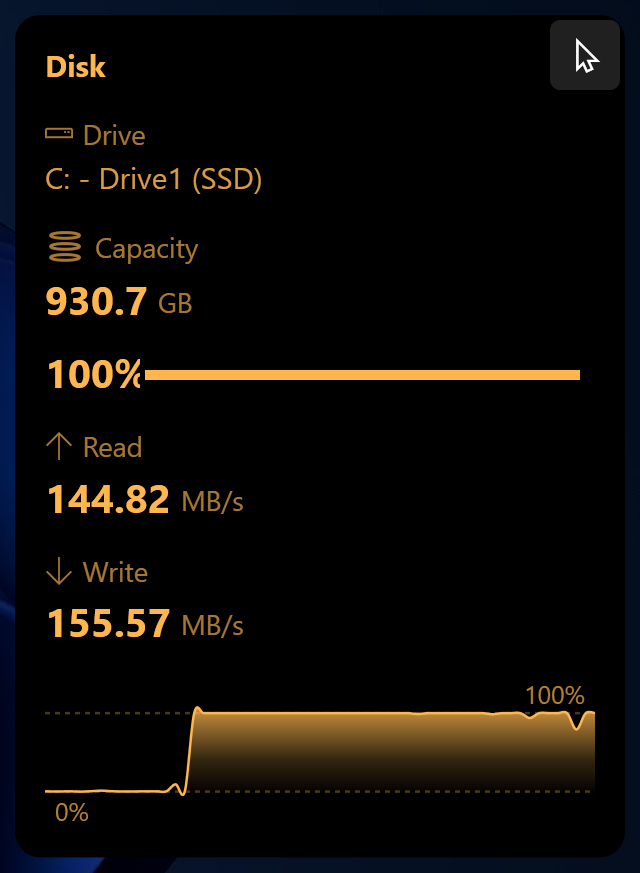
Disk — capacity, read & write speeds
One-time purchase
One-time purchase · No subscription · No ads
Available for Windows 10 and Windows 11
Get on Microsoft StorePublished by JoyCode
Found a bug? Have a suggestion? Let us know.
Or email us directly at [email protected]